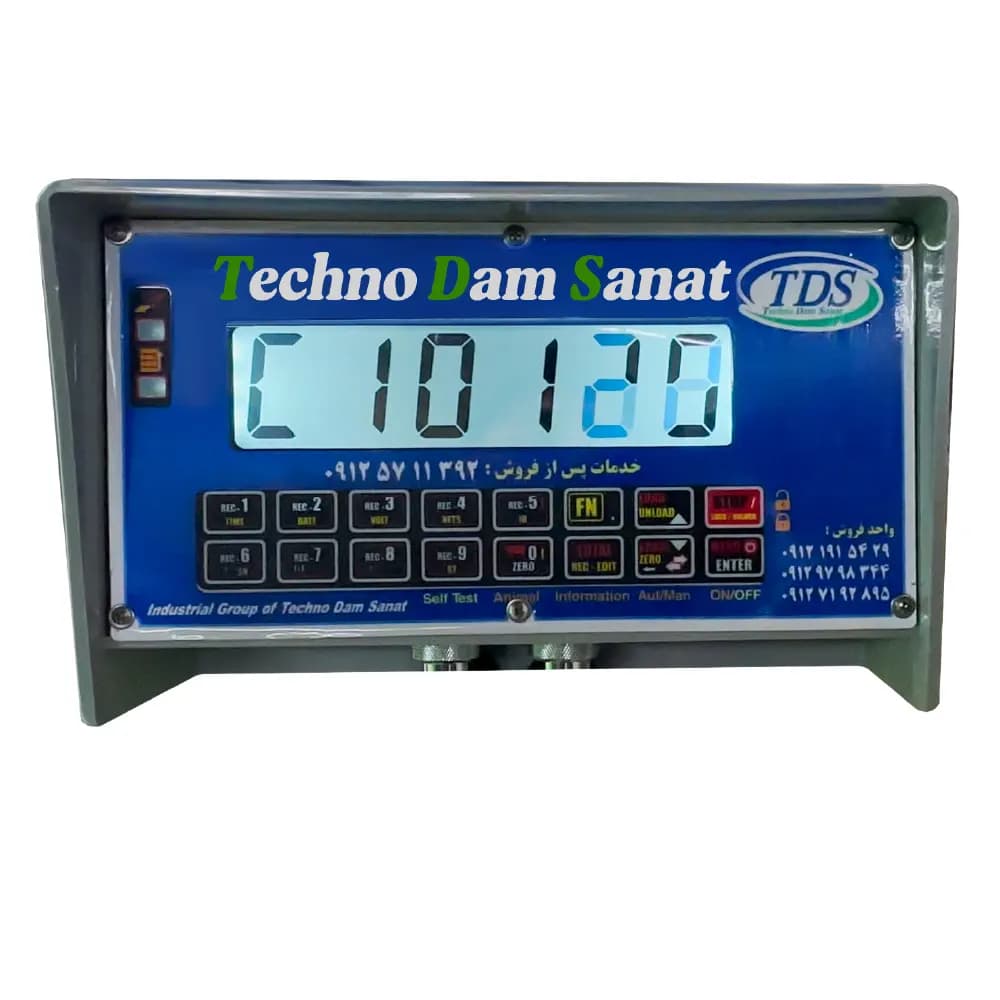


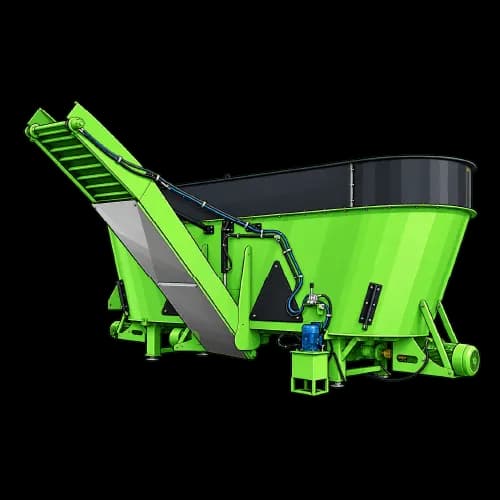
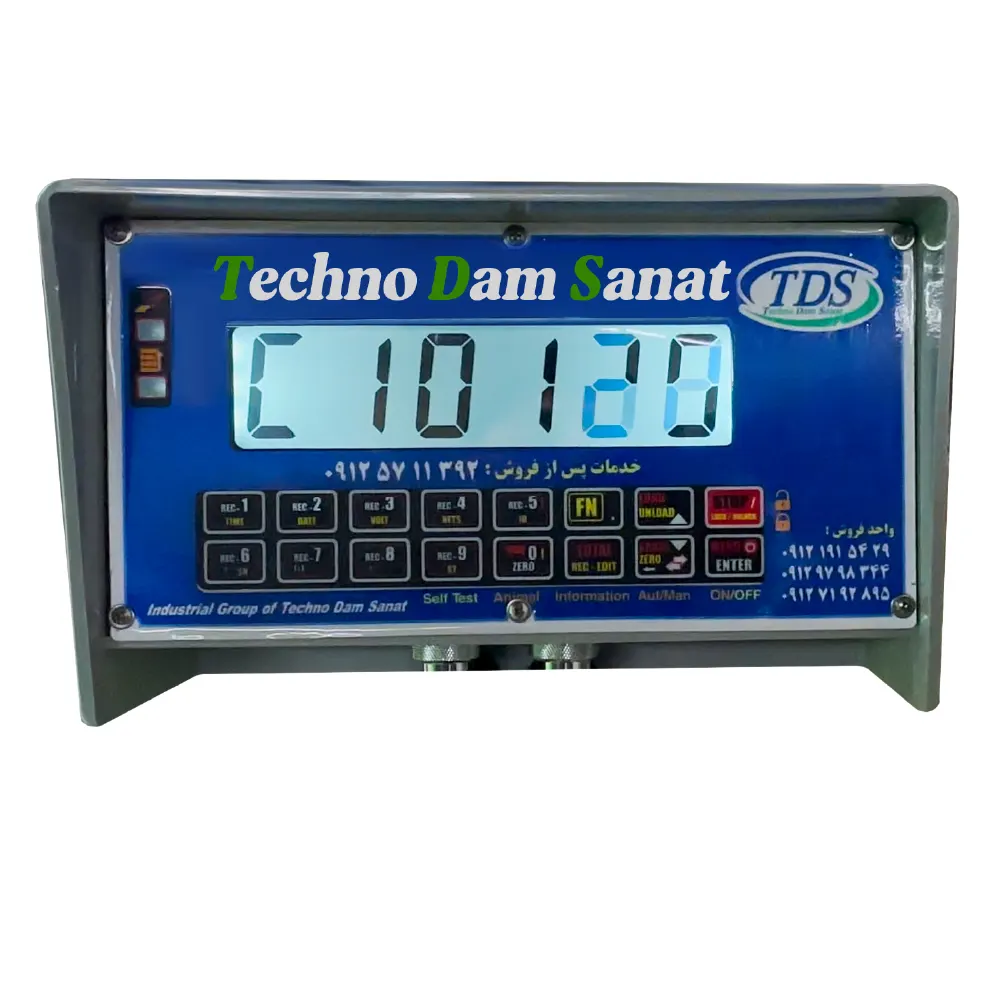
The mixer feeder display is your eye on the ration. When its number is unreliable, the entire ration formula is built on incorrect data, resulting in a ration that differs from the design of the nutrition expert.
The ability to weigh each component separately and save the formula simplifies the operator's job and reduces errors; these features should be checked when selecting a display.
At a glance
- The display must be compatible with your type and number of load cells.
- The ability to save the formula and display the weight of each component reduces operator error.
- An unstable number is usually due to moisture in the junction box or cable, not the display.
- After installation, a complete calibration with a reference weight is necessary.
Technical Specifications
| Type of part | Digital weighing display |
|---|---|
| Application | Mixer feeder and livestock scales |
| Features | Component-by-component weighing, formula storage |
| Compatibility | Suitable for the type and number of load cells |
| Installation note | Protection against moisture and power fluctuations |
| Brand | Techno Dam Sanat (TDS) |
What is its application and suitable unit?
This part is used in the weighing system of mixer feeders and livestock scales for displaying and recording weight.
If the display number is unstable, before replacing it, check the cleanliness and leveling of the chassis, moisture in the junction box, and the condition of the cables; these are more common causes.
Features and advantages of construction
- Displays the weight of each component of the ration separately.
- Ability to save formulas for different nutritional groups.
- Designed to suit the dusty and humid environment of livestock farms.
- Available with load cells and communication cables.
Check these items before purchasing
- Specify the number and type of load cells in your system.
- Determine the required features such as formula storage.
- Check the installation location and moisture protection conditions.
- Monitor the power supply status and its stability.
- Consider the calibration program after installation.
Related Products
Buying guide and related articles
- Mixer feeder display and digital scale; troubleshooting
- Mixer feeder load cell; calibration and weighing errors
- Scales and feed weighing systems for livestock; load cells and displays
Frequently Asked Questions
Why is the display number unstable?
The most common causes: moisture in the junction box, loose connection, damaged cable, and power fluctuation. Check these before inspecting the load cell.
Can the display be replaced separately?
Usually yes, but it must be compatible with your type and number of load cells, and complete calibration must be performed after installation.
What is the benefit of saving a formula?
The operator selects the formula instead of memorizing values, and the display shows the target weight of each component; this reduces human error.
How often is calibration necessary?
At least once a year and after any repair of the weighing system or if a suspicious discrepancy is observed.
What information is needed for ordering?
The number and type of load cells, device model, required features, and installation conditions.
To select a display compatible with your weighing system, please provide us with the specifications of the load cells and the device model.